Showing posts with label Maya. Show all posts
Showing posts with label Maya. Show all posts
Tuesday, 26 April 2016

Monday, 25 April 2016
Thursday, 21 April 2016


Wednesday, 20 April 2016
Fantastic Voyage: Maya Antibiotics Modeling in Process 1

 |
Wireframe
|
 |
| UV Texture |
 |
| UV Texture 1 |
 |
UV Texture 2
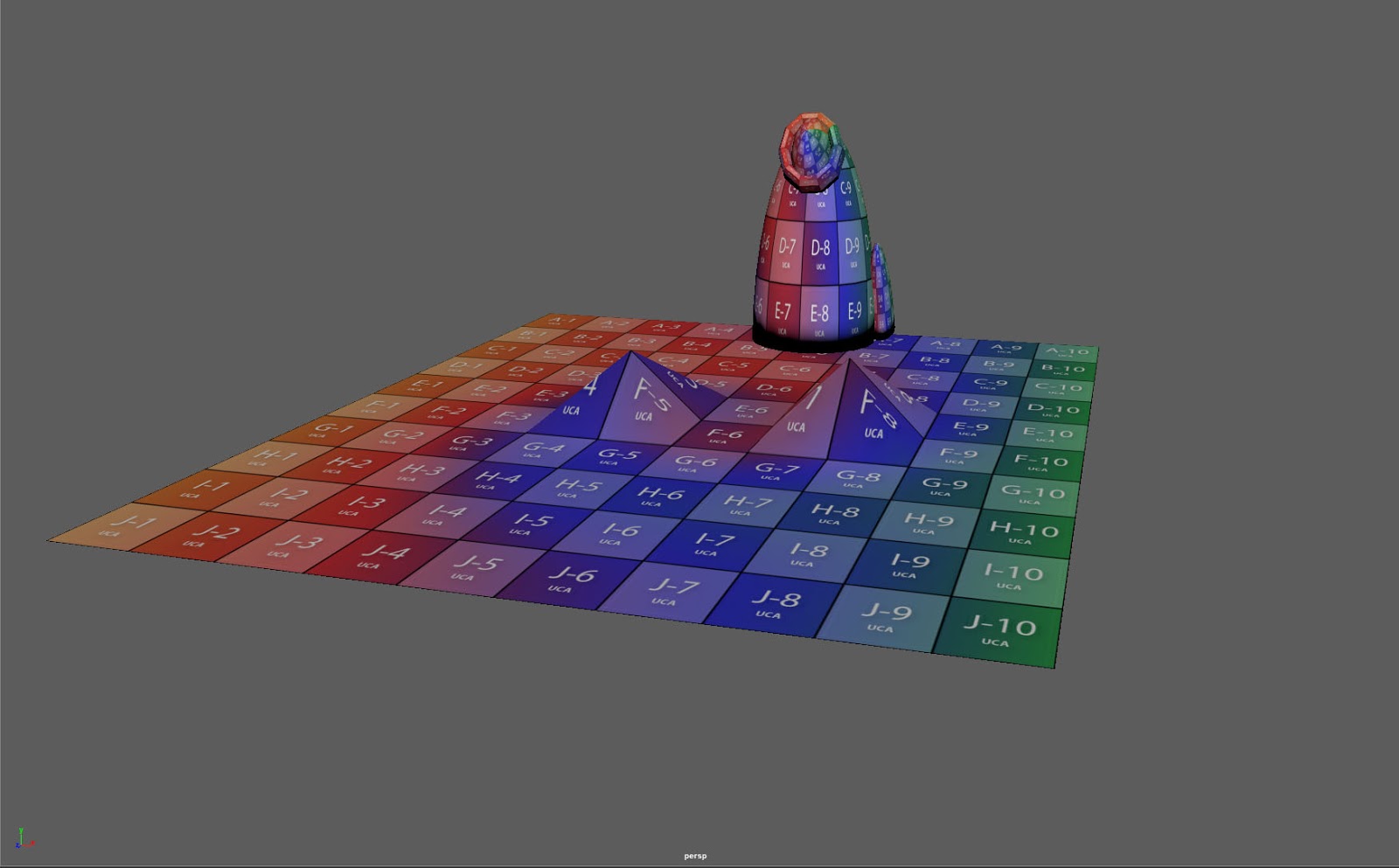
I used the orthography drawing as a guide line to model my antibiotics in Maya to modify a better version with same shape from the original version. I have added three different textures for the antibiotics.
|
Tuesday, 19 April 2016


Friday, 11 December 2015

Wednesday, 9 December 2015
What if? Metropolis Maya - Lighting Test Render and wireframe render
 |
| Wireframe render |
 |
| Wireframe render |
 |
| Area light |
 |
| Directional light |
 |
| Directional light 1 |
 |
| Directional light 2 |
 |
| Spot light |
 |
| Spot light 1- Main Building |
 |
| Spot light 2- Main Building |
Monday, 7 December 2015

Friday, 4 December 2015


Tuesday, 29 September 2015
The Artist toolkit Maya tutorial - Ray Gun


This is a screenshot of Ray gum was really fun and interesting techniques to follow the tutor with step by step to make the ray gun. The outcome I felted pleased with the result of making the modeling a gun on Maya and it is basic polygon primitives with different shapes. I felt this was easy and a bit tricky as well.
Tutorial link: https://sites.google.com/site/digitalmcguffin/notes-1
Sunday, 27 September 2015
The Artist's Toolkit - Maya tutorial Egg cup Modelling tutorial 3

This is a screenshot showing that I have create an egg cup from following the video tutorial once more and done it at home. I have duplicated and changed the colours of each one by going to assign new materials then clicked on blinn.
At the begin I was struggling to follow from the tutor step by step of egg cup the by listen the tutorial for several times. I finally understand the technique how to make an egg cup.
Thursday, 24 September 2015
The Artist's Toolkit -Lamp cup Modelling tutorial 2

This is a screenshot showing that I have made an experimental with look like a lamp cup in Maya by using the duplicated of my lamp cup and using the Hypershade to changed the colour and shadow effect.

This is a screenshot show that I used the same technique using the Hypershade to changed and adjusted the colours of yellow and purple. I used panel layout to convert two colours of my lamp cup that I made.

Wednesday, 23 September 2015
The Artist's Toolkit -Lamp cup Modelling tutorial

At the began of the Maya Art tool class it was hard to listen to the tutorial and doing it step by step. Then by following the Maya tutorial I have made a lamp cup along with my own techniques. I have learn using the basic of Polygon modeling so I've never really used NURBS modeling before as well as it was fun to learn a different technique.
Subscribe to:
Posts (Atom)